
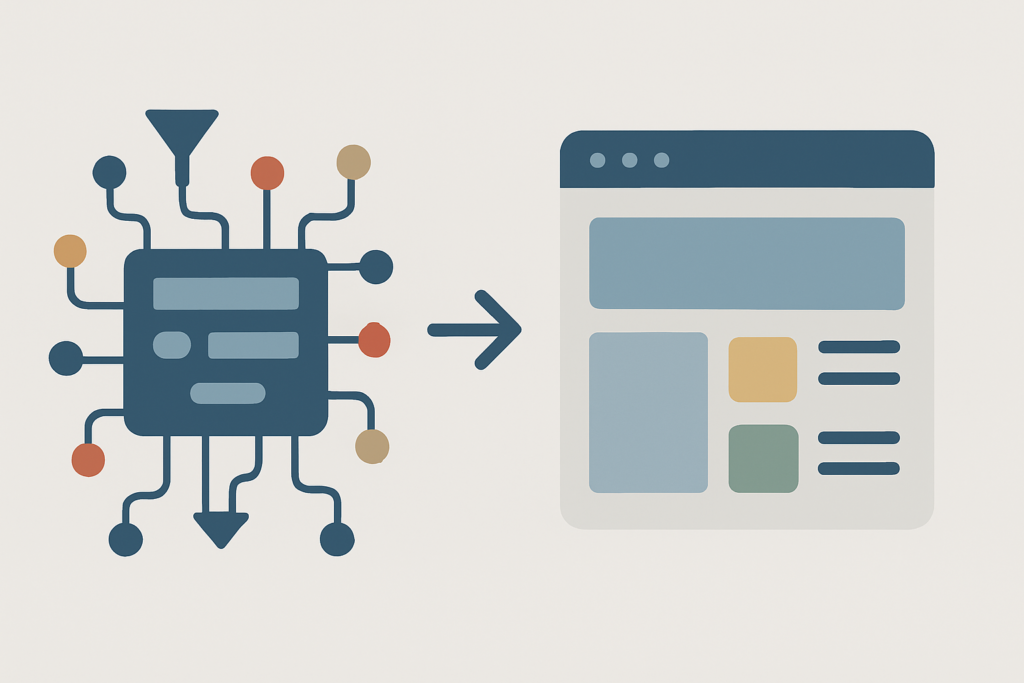

Technical SEO vs on page seo is not a choice between two competing workstreams. Technical SEO lets search engines access, render, index, and interpret your store; on-page SEO makes each page useful enough to earn visibility for the searches shoppers perform.
The old approach treats technical work as a one-time developer task and content as marketing’s separate problem. High-performing Shopify and WooCommerce teams treat both as one operating system: remove barriers, improve buyer relevance, measure revenue, then iterate.
That distinction matters when a category page has excellent copy but is blocked by a canonical tag, or when a fully indexed product page receives impressions yet attracts no clicks. This guide separates the work, shows where it overlaps, and gives you a practical way to decide what to fix first.
Technical SEO vs On-Page SEO at a Glance
The fastest distinction is simple. Technical SEO controls whether search engines can properly reach and understand your website. On-page SEO controls whether a specific page is the right answer once it is eligible to rank.
The simplest difference: access versus relevance
Technical SEO asks: can search engines discover, crawl, render, index, and understand this store? It covers the site-wide conditions that determine whether important URLs can enter search results at all.
On-page SEO asks: does this page clearly satisfy the user’s intent? It covers the content, structure, HTML elements, and commercial clarity that help a collection, product, or guide outperform competing pages.
A technically clean site with generic collection copy still has little reason to rank. Strong content on a page that is blocked, slow, or incorrectly canonicalized has little chance to be seen.
Comparison table: technical, on-page, and off-page SEO
The table below keeps the three SEO pillars separate without pretending their responsibilities never overlap. Technical SEO vs on page seo remains the core comparison; off-page work amplifies the other two.
| Area | Technical SEO | On-page SEO | Off-page SEO |
|---|---|---|---|
| Primary focus | Crawlability, indexation, rendering, performance | Relevance, content quality, intent, page clarity | Authority, reputation, external validation |
| Key question | Can search engines access and understand the site? | Does this page satisfy the searcher? | Why should search engines trust this brand over alternatives? |
| Typical work | Sitemaps, canonicals, redirects, speed, schema | Copy, titles, headings, metadata, internal links | Link building, digital PR, brand mentions |
| Common owner | Developer, technical SEO, platform team | SEO, content, merchandising team | SEO, PR, partnerships team |
| Core metrics | Indexed pages, crawl errors, Core Web Vitals | Impressions, CTR, search engine rankings, organic conversion | Referring domains, brand visibility, competitive rankings |
| When neglected | Valuable pages stay hidden or perform poorly | Indexed pages fail to earn clicks or rankings | Strong pages struggle in competitive result sets |
What Is Technical SEO?
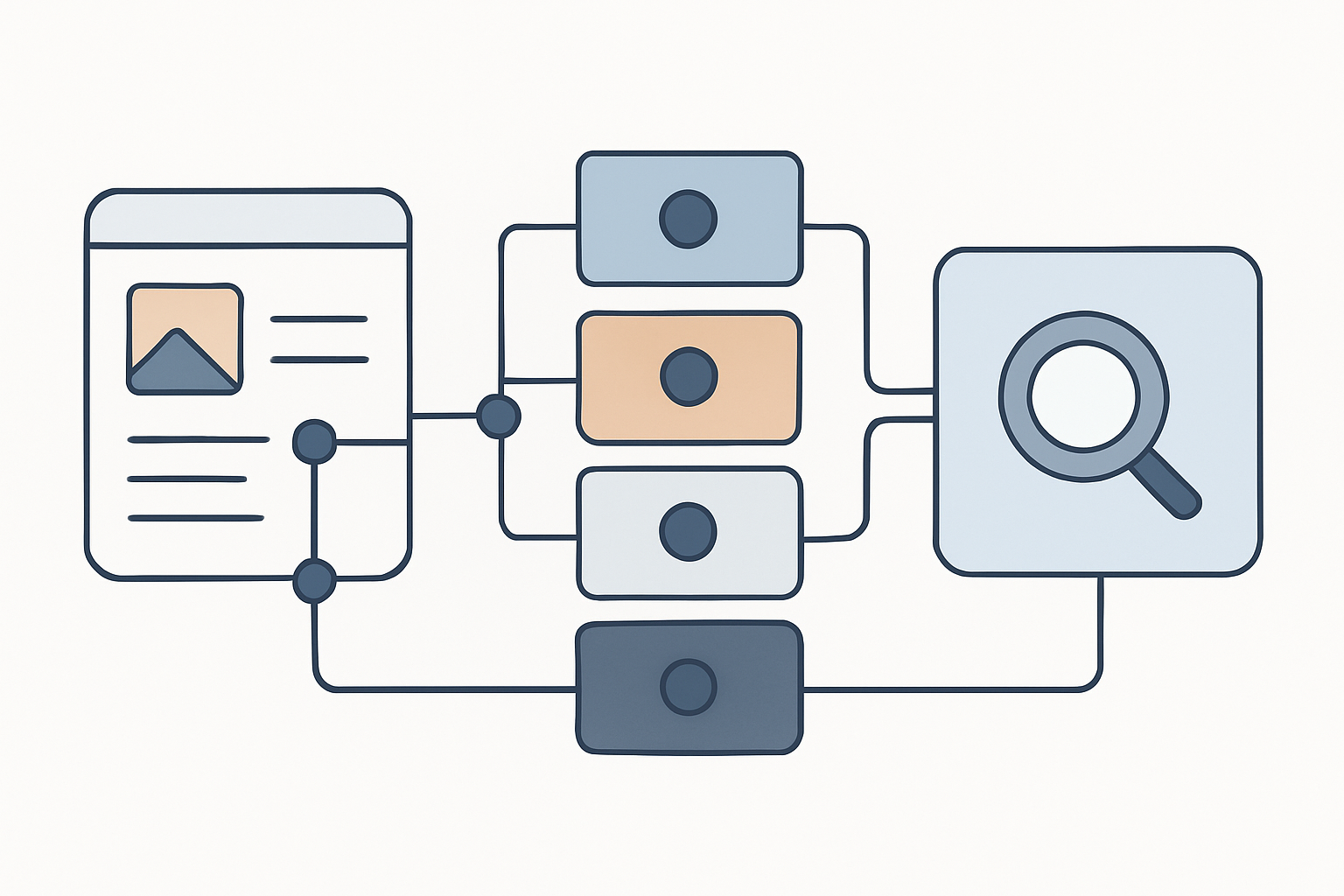
Technical SEO is the infrastructure work that helps search engines crawl, render, index, and understand your pages without unnecessary friction. It includes architecture, indexing controls, performance, security, and machine-readable signals such as structured data.
It does not make thin product copy persuasive or solve an intent mismatch. But a serious technical defect can cap every content investment across an entire catalog.
Crawlability, indexation, and site architecture
Crawlability means a search engine can reach a URL and retrieve its content. Indexation means the search engine has decided to store that page as a candidate for search results. Those are related, but they are not the same thing.
For eCommerce teams, the expensive failures are often repetitive. A filter parameter can create thousands of low-value URLs. A migration can send discontinued products through redirect chains. A staging noindex instruction can survive launch and suppress an entire store.
Start with the signals that govern access:
- robots.txt and noindex: Check that important collections, products, and guides are not blocked or excluded by mistake.
- XML sitemap coverage: Include the canonical URLs you want indexed, not every filter, search, or parameter variation.
- Canonical tags: Declare the preferred version when variants, tags, sort orders, or filters create near-duplicate pages.
- Redirect maps: Send retired URLs directly to the most relevant live replacement, especially during migrations or catalog changes.
- Internal architecture: Make priority pages reachable through logical navigation and contextual links rather than leaving them orphaned.
If a collection, category, or product page has no meaningful internal paths pointing to it, search engines may struggle to understand its role in the store hierarchy. Start with technical seo basics before treating isolated indexing symptoms as content failures.
Crawl budget becomes more important as catalogs grow. Search engines do not need to spend time repeatedly crawling faceted filters, duplicate variant URLs, and empty internal search pages when your highest-margin collections need attention.
Site speed, Core Web Vitals, and mobile usability
A slow store creates two problems at once: it can weaken website visibility and it can lose the shopper after the click. On mobile, oversized images, app scripts, theme customizations, and third-party tracking often pile up faster than teams realize.
Core Web Vitals make performance more concrete:
- Largest Contentful Paint: How quickly the main visible content loads. A good LCP is 2.5 seconds or less at the 75th percentile of page loads.
- Interaction to Next Paint: How quickly the page responds to a shopper’s tap, click, or input. Aim for under 200 milliseconds.
- Cumulative Layout Shift: How stable the layout remains while loading. Aim for under 0.1.
A score alone is not the business case. Investigate the templates that carry revenue: collection pages, product pages, cart entry points, and high-traffic guides. You can test page performance with PageSpeed Insights to identify whether images, JavaScript, unused apps, fonts, or server response are driving the delay.
Mobile usability belongs in the same review. If product options cannot be selected, content shifts under a shopper’s thumb, or key information appears only after heavy client-side rendering, the issue is larger than a performance report.
HTTPS, canonicalization, and structured data
HTTPS is a baseline for secure commerce, not a differentiator. A valid secure connection protects customer data and avoids an obvious trust failure.
Canonicalization manages duplicate-content signals by telling search engines which URL is the preferred version. It is particularly important when one product can be reached through collections, tags, variants, campaign links, and filter states.
Structured data adds machine-readable context to a page. Product, Breadcrumb, Review, and Organization markup can help search engines interpret what they are seeing, but valid markup does not guarantee rich results. Treat it as accurate product data implementation, not a shortcut.
What Is On-Page SEO?
On-page SEO improves the visible content and page-level HTML elements that tell search engines and users what a page is about. The goal is not to repeat a keyword. The goal is to make the page clearer, more credible, and more useful than alternatives.
For an eCommerce store, on-page work turns a generic category template into a buying destination. It explains selection criteria, surfaces the right products, resolves hesitation, and creates a clean path to purchase.
Content quality and user-intent alignment
Search intent is the job a user wants to complete. Someone searching “best trail running shoes for wide feet” needs comparison help and fit guidance; someone searching a specific product name may need price, availability, specifications, and delivery information.
That difference should shape the page type. Buying guides answer research-stage questions. Category pages organize commercial choices. Product pages remove purchase friction. Comparison content helps shoppers decide between options that are close substitutes.
Weak on-page SEO usually shows up as content that is technically present but commercially empty. Supplier descriptions, vague category introductions, and copied FAQs fail because they do not add decision-making value.
Priority product and collection pages need original information: who the product is for, how it differs, critical specifications, sizing or compatibility guidance, proof points, and answers to real pre-purchase objections. The same principle applies to seo product pages: match the information depth to the decision behind the query.
Title tags, meta descriptions, headings, and URLs
Title tags help search engines and searchers understand the topic before a click. Make them unique, descriptive, and aligned with the page’s actual offer rather than forcing a string of terms into every title.
Meta descriptions do not function as a direct ranking lever, but they can set expectations and influence click-through rate. A useful description states what the shopper will find, not a generic marketing slogan.
Headings create a readable hierarchy. Use one clear H1 that reflects the page’s central topic, then use H2s and H3s to organize meaningful subtopics such as materials, features, fit, FAQs, or comparisons.
Keep URLs concise and stable. A readable product or collection URL makes maintenance easier and reduces the chance that unnecessary parameters become the version shared, linked, or indexed.
Internal linking and image optimization
Internal linking is where on-page SEO and site architecture meet. Contextual links from buying guides to relevant collections, from collections to priority products, and between related products help shoppers move forward while clarifying page relationships for search engines.
Use anchor text that describes the destination. “View waterproof hiking jackets” is more useful than “click here,” provided it fits naturally in the surrounding copy.
Images need both performance and context. Compress assets, use descriptive filenames where practical, write useful alt text for meaningful images, and avoid loading every gallery asset at full size before a shopper needs it.
Where Technical SEO and On-Page SEO Overlap
The handoff between development and marketing is where important SEO work often stalls. Teams label an issue “technical” or “content,” then neither side owns the implementation.
Internal linking is a clear example. Marketing decides which pages deserve contextual support and writes the anchor text. Technical teams may need to adjust navigation, templates, pagination, or crawl paths to ensure that strategy scales.
The same overlap appears in URL patterns, headings, image performance, mobile layouts, structured data, and page experience. Give each shared area a named owner, a reviewer, and a measurable outcome.
When an eCommerce team cannot tell whether visibility loss comes from crawlability, page relevance, or authority, a combined technical-and-content diagnostic can prevent expensive work on the wrong layer.
Which Should You Fix First: Technical SEO or On-Page SEO?
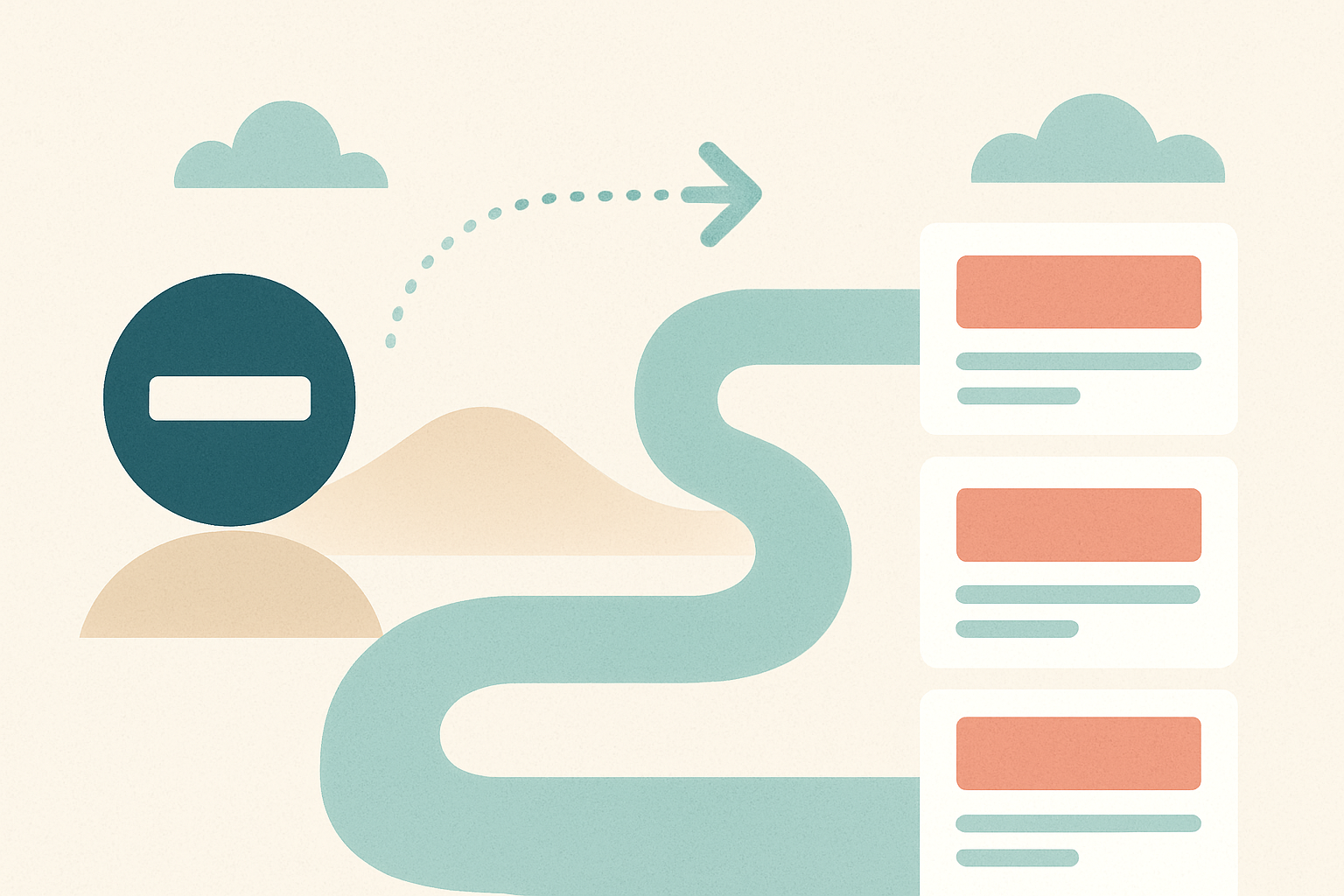
Prioritize the constraint, not the discipline. Technical SEO comes first when a problem prevents discovery, indexation, rendering, mobile usability, or a functional shopping experience.
Once those blockers are controlled, put on-page effort into pages that combine commercial value with visible demand. That usually means high-margin collections, products with strong impressions but weak CTR, and buying guides that can assist revenue-driving pages.
Fix technical SEO first when pages cannot be found or indexed
Do not publish more content to solve a page-access problem. Investigate technical SEO first when you find staging noindex tags, robots.txt mistakes, missing or incorrect canonical tags, redirect failures, blocked resources, weak sitemap coverage, or serious mobile performance degradation.
For online stores, duplicate URL sprawl deserves urgency. If filters, variants, pagination, and internal search produce endless crawlable versions, search engines can spend attention on low-value pages while priority URLs receive weaker signals.
Check Google Search Console after major launches, theme changes, app installations, and migrations. These events can change indexation controls without changing a single word of on-page copy.
Prioritize on-page SEO when pages are indexed but underperform
An indexed page with few impressions usually needs a relevance review. Compare its purpose, content depth, product selection, headings, and supporting links with what currently ranks for the target query.
Impressions with low clicks point first to the search-result presentation. Improve the title tag and meta description, confirm the page matches the query, and make sure the visible promise is worth choosing over neighboring results.
Do not mistake low conversion for a pure SEO issue. If qualified organic traffic arrives but does not buy, inspect product information, pricing, delivery, reviews, stock status, trust signals, mobile UX, and checkout friction.
Use symptom-based diagnosis before assigning work
This triage keeps developers, marketers, and SEO leads focused on the first useful action.
- Not indexed: Investigate crawl access, noindex directives, canonicals, sitemap inclusion, rendering, and internal links.
- Indexed, no impressions: Review keyword optimization, user intent, topic coverage, category relevance, and competitor page types.
- Impressions, low CTR: Test stronger title tags and meta descriptions that accurately reflect the page’s value.
- Clicks, low conversion: Audit product detail, offer strength, trust, usability, and checkout flow.
- Strong pages, weak competitive visibility: Assess off-page authority, relevant links, digital PR, and brand mentions.
This is also why on page seo vs technical seo is a more useful operating conversation than asking which discipline is universally more important. Your evidence should decide the queue.
Technical SEO vs On-Page SEO for Shopify and WooCommerce Stores
Catalog scale makes small mistakes expensive. One template-level canonical error or overloaded app stack can affect thousands of collection, product, variant, tag, filter, and search-result URLs.
At the same time, Shopify and WooCommerce stores often leave their best commercial pages thin. A collection may target a valuable category but offer only a product grid, generic supplier text, and no support for the shopper’s decision.
Common technical eCommerce issues
Watch for duplicate URLs from product variants and filters, incorrect canonicals, bloated JavaScript, slow product imagery, app bloat, blocked products, poor out-of-stock handling, broken migration redirects, and weak crawl paths to key collections.
Product and breadcrumb structured data also need validation against the live page. The markup must accurately represent price, availability, identifiers, and page relationships.
Performance deserves special attention on image-led templates. Review Google’s guidance on Largest Contentful Paint alongside real-user data, then fix the bottlenecks on pages that carry organic revenue rather than chasing marginal lab-score gains everywhere.
Need a prioritized store plan? SEO.DIGITAL provides a custom technical site health audit and eCommerce SEO strategy roadmap for qualified Shopify and WooCommerce brands that need clear technical and on-page priorities, not disconnected recommendations.
Common on-page eCommerce opportunities
Collection pages frequently carry the largest upside. Add useful category copy that helps a shopper choose, supports the query’s intent, and links naturally to relevant subcategories or buying resources.
Product pages need more than manufacturer text. Build original descriptions around buyer intent, essential specifications, use cases, compatibility, dimensions, care guidance, delivery details, and concise FAQs.
Improve unique product titles, meta descriptions, image alt text, comparison content, and links from educational guides into commercial collections. The objective is not more words. It is less uncertainty at the moment a buyer decides.
How Technical, On-Page, and Off-Page SEO Work Together

The three pillars work in sequence. Technical SEO makes the store accessible. On-page SEO makes priority pages relevant and useful. Off-page SEO builds the authority and trust needed to compete when many sites meet the first two requirements.
Off-page work includes high-quality relevant backlinks, digital PR, credible brand mentions, and genuine community visibility. It cannot rescue blocked pages or thin category copy, but it can strengthen a store that already gives search engines a clear reason to rank it.
For a fuller view of authority beyond the site itself, review off page seo ranking factors alongside your technical and content roadmap. SEO.DIGITAL connects technical audits, buyer-intent copy, high-authority links, digital PR, and community signals to organic revenue rather than treating them as disconnected deliverables.
Technical SEO vs On-Page SEO Checklist
Use this checklist as a working review for priority templates and revenue-driving URLs. Start with the items most likely to restrict visibility or conversion at scale.
Technical SEO checklist
- Check index controls: Confirm robots.txt, meta robots, and canonical tags support the URLs you want indexed.
- Review XML sitemaps: Include canonical products, collections, and content while excluding low-value URL variations.
- Fix redirects and errors: Remove broken internal links, redirect chains, and migration gaps.
- Audit mobile performance: Test high-traffic templates for LCP, INP, CLS, image weight, scripts, and app impact.
- Validate structured data: Ensure product and breadcrumb markup matches live page content and eCommerce duplicate controls are sound.
For a repeatable template review, run a PageSpeed Insights performance test on key collection and product pages rather than checking only the homepage.
On-page SEO checklist
- Match user intent: Confirm each priority page serves the task behind its target query.
- Strengthen unique content: Replace generic supplier copy with useful category and product decision support.
- Improve search snippets: Write distinct title tags and meta descriptions for priority products and collections.
- Organize page structure: Use a logical heading hierarchy, clear URLs, meaningful image alt text, and scannable content.
- Build internal paths: Link guides, categories, and products in ways that help users discover the next relevant page.
Frequently Asked Questions About Technical SEO vs On-Page SEO
What are the four types of SEO?
The four commonly referenced types are technical SEO, on-page SEO, off-page SEO, and local SEO. Local SEO focuses on visibility for geographically specific searches, while technical and on-page SEO apply to the accessibility and relevance of pages regardless of location.
What is the difference between SEO and technical SEO?
SEO is the broad practice of improving visibility in search engines and includes technical, on-page, off-page, and often local work. Technical SEO is one specialty within SEO focused on crawling, indexing, performance, security, site architecture, and machine readability.
What are the differences between technical, on-page, and off-page SEO?
Technical SEO helps search engines access and understand a site, on-page SEO improves relevance and user experience on individual pages, and off-page SEO builds external authority. Link building and brand mentions are off-page signals, but they work best when the site is already accessible and useful.
What is the 80/20 rule in SEO?
The 80/20 rule in SEO is a prioritization principle, not a Google ranking rule. It means finding the small number of blockers and high-opportunity pages likely to drive most meaningful gains, such as an indexation issue affecting top collections or weak copy on a high-revenue category.
Build an SEO System That Supports Visibility and Revenue
Technical SEO makes your store accessible. On-page SEO makes important pages relevant and persuasive. Off-page SEO adds the authority needed to win difficult result sets.
For Shopify and WooCommerce brands, the practical next step is to identify the constraint limiting organic revenue now, then build a coordinated roadmap around it. If your store generates $50k+ MRR, book a call with SEO.DIGITAL for a no-obligation deep-dive consultation covering technical audit priorities, content opportunities, and a revenue-focused organic growth roadmap.